
Introduction: The Calendar as a Strategic Asset
Your calendar is more than a tool for tracking appointments. It's a strategic asset that, when managed effectively, can transform team performance, improve work-life balance, and drive organizational success. Conversely, poor calendar management leads to meeting overload, fragmented attention, and the frustrating sensation that despite being constantly busy, little of importance gets accomplished.
This comprehensive guide presents calendar management best practices drawn from high-performing organizations across industries. Whether you're an individual contributor looking to reclaim control of your time, a manager coordinating team activities, or an executive shaping organizational culture, these principles will help you use your calendar as the powerful tool it's meant to be.
Part 1: Individual Calendar Mastery
The Calendar Audit
Before implementing new practices, you need to understand your current reality. Conduct a thorough audit of your calendar over the past month, categorizing your time across different dimensions.
Start by categorizing meetings by type: one-on-ones, team meetings, project meetings, external meetings, social or informal gatherings. Calculate the percentage of your time devoted to each category. Then evaluate meetings by value: which meetings consistently produce valuable outcomes versus those that feel like obligations? Rate each recurring meeting on a scale from essential to questionable.
Analyze your calendar patterns. How fragmented is your day? How many back-to-back meetings do you have? When do you have blocks of uninterrupted time? This audit reveals where your time actually goes, which is often quite different from where you think it goes. The insights from this analysis will guide your improvement efforts.
The Art of Saying No
The most powerful word in calendar management is "no." Every meeting you attend represents a choice—time spent in that meeting is time unavailable for other activities. Selective meeting attendance isn't rude; it's responsible stewardship of a finite resource.
Develop criteria for meeting acceptance. Consider whether your presence is truly necessary for the meeting's success. Think about whether the meeting objectives could be achieved through asynchronous communication. Evaluate if the meeting's expected value justifies the time cost.
When declining meetings, be respectful but direct. A simple "I can't make this work with my current priorities, but please send me the notes" is perfectly appropriate. Offer alternatives when relevant: perhaps you can review materials in advance and provide input asynchronously, or a colleague could attend in your place.
Designing Your Ideal Week
Rather than letting your calendar fill up reactively, design your ideal week proactively. This involves blocking time for different types of activities based on your priorities and natural energy patterns.
Consider these categories when designing your week: deep work blocks of two to four hours of uninterrupted time for cognitively demanding tasks, collaboration windows with designated times when you're available for meetings, and administrative periods for email, planning, and routine tasks. Don't forget buffer time—transition periods between activities—and personal time for exercise, meals, and recovery.
Once you've designed your ideal week, protect it. Treat your blocked time as seriously as you would an important external meeting. If someone requests a meeting during your deep work block, your calendar should show you as unavailable, and you should offer alternative times.
Color Coding and Visual Organization
Visual organization helps you understand your calendar at a glance. Develop a consistent color-coding system that works for your needs. You might use different colors for meeting types (internal, external, one-on-one), for projects, for levels of importance, or for categories that are meaningful to your work.
Whatever system you choose, apply it consistently. The goal is to be able to scan your calendar and immediately understand the shape of your week: where your focus time is, when you have back-to-back commitments, and what types of activities dominate different periods.
The Buffer Principle
Back-to-back meetings are a recipe for stress and reduced effectiveness. You arrive at each meeting without time to prepare, carrying mental residue from the previous discussion. You can't process what was discussed or follow up on action items. Bathroom breaks become a luxury.
Implement buffers between meetings—at least 15 minutes between hour-long meetings, and more for meetings that require travel or significant mental transitions. Modern scheduling tools can implement this automatically, ensuring that your calendar never becomes an unbroken wall of commitments.
Part 2: Team Calendar Coordination
Establishing Team Norms
High-performing teams establish explicit norms around calendar management. These norms should address when meetings can be scheduled, how much advance notice is required, expectations for agenda and preparation, guidelines for meeting duration, and norms for declining or rescheduling.
These norms should be documented and discussed regularly. They're not bureaucratic constraints but agreements that enable the team to work together more effectively. When everyone understands and follows the same guidelines, coordination becomes smoother and conflicts become rarer.
Synchronized Deep Work Time
Some teams implement synchronized deep work periods—blocks of time when no meetings are scheduled and everyone focuses on individual work. This creates organizational permission to be unavailable, reducing the social pressure to always respond immediately.
Common implementations include No Meeting Fridays, where Fridays are reserved for focused work and administrative catch-up. Another approach is morning focus time, where no meetings are scheduled before 11 AM or noon, giving everyone uninterrupted morning hours. Some teams use core collaboration hours, concentrating all meetings within specific windows like 1-5 PM and protecting other times for deep work.
The specific implementation matters less than team-wide commitment to the practice. When only some team members observe focused time while others schedule meetings freely, the benefits are lost.
Managing Shared Calendars and Resources
Teams often share resources that require coordination: conference rooms, specialized equipment, or individuals with unique expertise. Effective shared resource management requires clear booking procedures and mutual respect for reservations.
Establish guidelines for shared resources, including how far in advance resources can be booked, maximum reservation durations, cancellation and release policies, and priority rules for competing requests. Consider using scheduling software that automates resource management, preventing double-bookings and providing visibility into availability.
Meeting Cadence Design
The rhythm of team meetings significantly impacts productivity. Too many standing meetings create calendar clutter and leave little time for actual work. Too few meetings lead to coordination problems and information silos.
Design your team's meeting cadence intentionally. Consider what decisions need to be made regularly and what communication can happen asynchronously. Evaluate whether existing standing meetings still serve their original purpose and think about how to minimize the total meeting burden while maintaining necessary coordination.
Common patterns include weekly team meetings for coordination and alignment, bi-weekly or monthly one-on-ones for relationship building and feedback, quarterly planning sessions for strategy and goal-setting, and daily standups for fast-moving projects requiring close coordination. But these are starting points, not requirements. Your optimal cadence depends on your team's specific work and culture.
Part 3: Leadership Calendar Practices
Modeling the Behavior
Leaders' calendar practices set the tone for organizational culture. When leaders schedule meetings at all hours, respond to messages immediately, and pack their calendars without breaks, they implicitly communicate that others should do the same.
Conscious leaders model healthy calendar practices. They protect their own focused time and respect others' focused time. They're thoughtful about scheduling meetings across time zones and limit after-hours calendar commitments. Their behavior demonstrates that productivity comes from quality work during reasonable hours, not from constant availability.
The One-on-One Practice
Regular one-on-one meetings between leaders and their direct reports are among the highest-value uses of calendar time. These meetings build relationships, provide coaching and feedback, surface issues early, and demonstrate that each team member matters as an individual.
Effective one-on-ones require consistent scheduling. Cancel only when absolutely necessary, and never systematically deprioritize these meetings in favor of other demands. The message you send by consistently honoring one-on-ones is powerful: your people matter more than other claims on your time.
Make one-on-ones primarily the direct report's meeting. They should drive the agenda, raising the topics most important to them. Leaders should listen more than talk, ask questions more than direct, and resist the temptation to use this time for status updates that could happen asynchronously.
Strategic Calendar Review
Leaders should regularly review their calendar allocation against their stated priorities. This review asks whether your time investment reflects what you say is important. If developing talent is a priority, how much time are you spending on coaching and mentoring? If customer relationships matter, how often do you engage directly with customers?
Conduct this review weekly or monthly. Examine your calendar for the past period and categorize time by priority area. When you find misalignment between stated priorities and actual time investment, make conscious adjustments. This practice ensures that your calendar serves your strategy rather than merely reflecting demands and habits.
Delegation and Gatekeeping
Senior leaders face constant demands for their time—requests for meetings, invitations to events, and expectations of attendance at various gatherings. Without active management, these demands quickly consume all available time.
Effective leaders establish gatekeeping processes. An executive assistant or chief of staff can screen meeting requests, gather necessary context, and protect focused time. Clear criteria help gatekeepers make appropriate decisions about which requests deserve calendar space.
But delegation isn't about building walls. It's about ensuring that the right things get time and attention. Leaders should remain accessible for truly important matters while protecting their capacity for strategic work.
Part 4: Organizational Calendar Culture
The Meeting-Conscious Organization
Some organizations have a dysfunctional relationship with meetings. Meetings proliferate without scrutiny. Calendar invitations are considered obligations rather than requests. Success is measured by busyness rather than impact.
Meeting-conscious organizations take a different approach. They treat attention as a scarce resource to be invested wisely. Meetings require justification—a clear purpose and expected outcome. Calendar time is respected as belonging to individuals, not to the organization.
Building a meeting-conscious culture requires sustained effort. Leaders must model appropriate practices and address dysfunctional patterns. Norms must be established, communicated, and reinforced. Success metrics should emphasize outcomes rather than activity.
Calendar Transparency and Collaboration
In some organizations, calendars are private by default, visible only to their owners. This privacy creates coordination challenges, as scheduling requires back-and-forth to determine availability.
Consider increasing calendar transparency within appropriate boundaries. When colleagues can see each other's availability (even without full meeting details), scheduling becomes dramatically more efficient. Modern scheduling tools can bridge transparency with privacy, showing availability without exposing sensitive meeting content.
Teams working closely together benefit from even greater calendar visibility. Seeing how teammates are spending their time helps with coordination, enables coverage during absences, and builds mutual understanding of workload and priorities.
Time Zone Consciousness
Global teams face unique calendar challenges. A meeting scheduled for 9 AM in New York is 10 PM in Tokyo. Convenient times for one person may be deeply inconvenient for another.
Time-zone-conscious organizations acknowledge these challenges and distribute the burden fairly. Rather than always scheduling for headquarters' convenience, they rotate meeting times so that everyone takes their turn with inconvenient hours. They minimize synchronous meetings across time zones when asynchronous alternatives exist. They're thoughtful about the human impact of scheduling decisions.
When synchronous meetings across time zones are necessary, use scheduling tools that display times in each participant's local zone, reducing confusion and error.
Continuous Improvement
Calendar culture should be subject to ongoing evaluation and improvement. Gather feedback about meeting effectiveness, calendar load, and coordination challenges. Track metrics like meeting hours per week, meeting-free time blocks, and scheduling response times.
Use this data to identify problems and experiment with solutions. Perhaps meetings are too long on average, suggesting a default to shorter durations. Perhaps certain days are overwhelmed while others are underutilized, suggesting better distribution. Perhaps specific recurring meetings are widely considered low-value, suggesting elimination or restructuring.
The goal is not calendar perfection but calendar consciousness—an organizational awareness that time is valuable and should be invested thoughtfully.
Part 5: Tools and Technology
Calendar Platform Selection
The foundation of calendar management is your calendar platform—typically Google Calendar, Microsoft Outlook, or Apple Calendar. These platforms differ in features, integrations, and ecosystem fit. Choose the platform that best matches your organization's needs and existing technology stack.
Beyond the basics, evaluate scheduling features carefully. Does the platform support the visibility and sharing settings you need? Does it integrate with the scheduling tools your organization uses? Does it handle time zones effectively for global teams?
Scheduling Automation
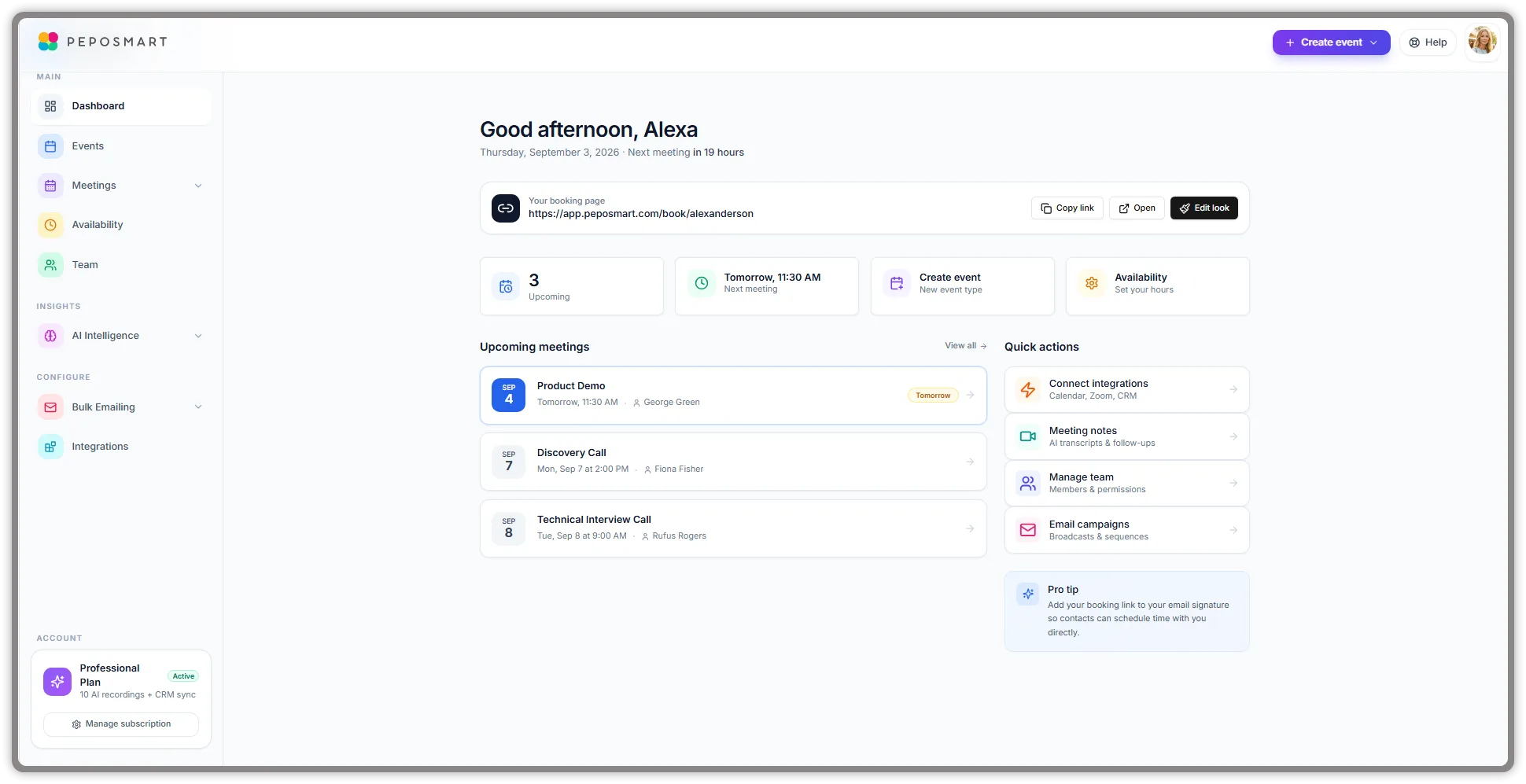
Manual scheduling—the back-and-forth of emails to find a meeting time—is one of the most wasteful uses of professional time. Scheduling automation tools like PepoSmart eliminate this waste by letting invitees self-schedule from your available times.
These tools integrate with your calendar to show real-time availability, automatically apply your preferences and buffer requirements, and create calendar events and meeting links without manual intervention. The time savings are substantial, often hours per week for people with significant scheduling needs.
Meeting Management Tools
Beyond scheduling, a growing category of tools addresses meeting management more broadly. These tools help with agenda creation and sharing, note-taking and action item tracking, meeting recording and transcription, and post-meeting follow-up automation.
Evaluate these tools based on your specific needs. An organization that prioritizes meeting documentation will value transcription and note features. A team focused on accountability will prioritize action item tracking. Choose tools that address your actual pain points rather than accumulating features you won't use.
Analytics and Insights
Understanding how time is spent enables better calendar management. Analytics tools can reveal meeting patterns, identify heavy meeting days or weeks, flag scheduling anomalies, and track changes in calendar load over time.
Some organizations use calendar analytics at a team or organizational level, identifying units with particularly high meeting burdens or tracking the impact of calendar management initiatives. These insights inform policy decisions and highlight areas needing attention.
Conclusion: Taking Control of Your Time
Your calendar is a reflection of your choices—explicit and implicit—about how to spend your most precious resource. Poor calendar management means letting others dictate your time, filling your days with activities that may not serve your most important goals.
Effective calendar management is an act of intentionality. It means deciding what matters most and ensuring your time allocation reflects those priorities. It means saying no to lower-value demands so you can say yes to higher-value opportunities. It means designing your time rather than just reacting to demands on it.
The practices in this guide provide a framework for calendar mastery. But frameworks are only useful when applied. Take action today: audit your calendar, identify one practice to implement, and make a commitment to more intentional time management.
Your calendar can be a source of stress and overwhelm, or it can be a tool that supports your highest aspirations. The choice is yours—and the time to choose is now.