
Introduction: The Enterprise Scheduling Dilemma
For organizations running Microsoft 365, a common question arises: should we use Microsoft Bookings, which is already included in our subscription, or invest in a dedicated scheduling tool like Calendly?
It's a legitimate business question. Microsoft Bookings comes "free" with many Microsoft 365 plans. Calendly requires additional spending. Both help people schedule meetings. Why pay for something you technically already have?
The answer depends on your specific needs—and understanding what each tool actually delivers. This comparison breaks down Microsoft Bookings and Calendly in detail, helps you understand when each makes sense, and introduces PepoSmart's Meeting Intelligence as an alternative that delivers value neither Microsoft nor Calendly can match.
Understanding Microsoft Bookings
What Microsoft Bookings Offers
Microsoft Bookings is a scheduling application included with Microsoft 365 Business Basic, Business Standard, and Enterprise plans. It's designed to help businesses accept online bookings from customers and clients.
Core Microsoft Bookings features include customizable booking pages where customers can self-schedule appointments, staff management with individual calendars and availability settings, automatic email confirmations and reminders, integration with Microsoft Teams for virtual appointments, customer information collection through booking forms, and synchronization with Outlook calendars.
For businesses already invested in Microsoft's ecosystem, Bookings provides scheduling capability without additional licensing costs.
Microsoft Bookings Strengths
The primary strength is integration. Microsoft Bookings connects seamlessly with Outlook, Teams, and other Microsoft 365 applications. If your organization lives in Microsoft's world, Bookings feels native rather than like an add-on tool.
Cost is another factor. For organizations already paying for Microsoft 365, Bookings is included. There's no incremental subscription to justify—it's already part of what you're paying for.
The staff scheduling features work well for service businesses. You can manage multiple staff members, each with their own availability, and route bookings appropriately. This makes it suitable for scenarios like medical practices, salons, or professional services firms with multiple practitioners.
Microsoft Bookings Limitations
Despite being part of Microsoft's suite, Bookings has notable limitations compared to dedicated scheduling tools.
Customization is restricted. You can adjust colors and add a logo, but the booking page experience is fundamentally Microsoft's design. Creating a fully branded experience that matches your website isn't really possible.
The feature set is basic compared to Calendly. There's no round-robin scheduling for sales teams. Workflow automations are limited. Integration options beyond Microsoft's ecosystem are minimal. Advanced features like collective scheduling or sophisticated routing logic aren't available.
User experience can be clunky. Some users find the interface less intuitive than dedicated scheduling tools that have spent years refining their booking flows.
And critically, like all scheduling tools, Microsoft Bookings stops at the calendar event. What happens during and after the meeting—capture, analysis, follow-up—is outside its scope entirely.
Understanding Calendly
What Calendly Offers
Calendly is the market leader in dedicated scheduling software, used by millions of professionals and organizations worldwide. Its singular focus on scheduling shows in a more polished, feature-rich offering.
Calendly's core features include highly customizable booking pages with full branding control, multiple event types for different meeting formats, sophisticated team scheduling with round-robin and collective options, an extensive integration ecosystem spanning CRMs and payment processors and video tools, automated workflows triggered by booking events, buffer times and meeting limits to protect schedules, and timezone intelligence for global scheduling.
Calendly's Strengths
Calendly excels at the booking experience. The interface is clean, modern, and intuitive. Invitees understand immediately how to select a time. The flow is optimized for conversion—getting people to actually complete the booking.
Team scheduling features are significantly more sophisticated than Microsoft Bookings. Round-robin distribution assigns meetings to team members in rotation. Collective scheduling finds times when multiple team members are all available. Routing logic can direct invitees to the right person based on form responses.
The integration ecosystem is vast. Calendly connects with Salesforce, HubSpot, Zoom, Google Meet, Stripe, PayPal, Slack, and dozens of other tools. These integrations enable workflows that Microsoft Bookings simply can't replicate.
For organizations that schedule heavily—sales teams, recruiting departments, customer success managers—Calendly's specialization translates to meaningful efficiency gains.
Calendly's Limitations
Calendly requires additional spend. Pricing runs $12 per user per month for Standard and $20 per user per month for Teams. For large organizations, this adds up to significant annual costs beyond existing Microsoft licensing.
For simple scheduling needs, Calendly may be overkill. If you just need basic appointment booking and you're already in Microsoft 365, paying extra for Calendly might not make sense.
And like Microsoft Bookings, Calendly treats scheduling as the finish line. The meeting gets booked, and Calendly's work is complete. Meeting capture, AI analysis, follow-up automation, relationship tracking—none of this exists in Calendly at any tier.
Head-to-Head: Microsoft Bookings vs Calendly
| Feature | Microsoft Bookings | Calendly | Winner |
|---|---|---|---|
| Included with M365 | ✓ Yes | ✗ No | Microsoft Bookings |
| Booking Page Customization | ✗ Basic | ✓ Extensive | Calendly |
| Staff/Resource Scheduling | ✓ Yes | ✓ Yes | Tie |
| Round-Robin Scheduling | ✗ No | ✓ Yes | Calendly |
| Collective Scheduling | ✗ No | ✓ Yes | Calendly |
| Workflow Automation | ✗ Limited | ✓ Extensive | Calendly |
| Integrations Beyond Microsoft | ✗ Limited | ✓ Extensive | Calendly |
| Teams Integration | ✓ Native | ✓ Yes | Microsoft Bookings |
| Outlook Integration | ✓ Native | ✓ Yes | Tie |
| User Experience | ✗ Basic | ✓ Polished | Calendly |
| AI Meeting Bot | ✗ No | ✗ No | Neither |
| Transcription | ✗ No | ✗ No | Neither |
| Smart Follow-Ups | ✗ No | ✗ No | Neither |
| Relationship Tracking | ✗ No | ✗ No | Neither |
When Microsoft Bookings Is Sufficient
Microsoft Bookings makes sense when your scheduling needs are straightforward and don't require advanced features, when you're deeply embedded in the Microsoft ecosystem and value native integration, when budget constraints make additional scheduling software hard to justify, when you're running a service business with multiple staff members booking appointments, and when you primarily coordinate with internal colleagues or known contacts.
Many small businesses and professional services firms find Microsoft Bookings adequate for their needs, especially when they're already paying for Microsoft 365.
When Calendly Adds Value
Calendly is worth the investment when scheduling is a high-volume activity central to your business, when you need sophisticated team scheduling with round-robin or collective booking, when integration with CRM and other business tools is important, when professional branded booking pages matter for your client experience, and when workflow automation saves significant time.
Sales organizations, recruiting teams, and customer-facing departments often find Calendly's efficiency gains far exceed its cost.
The Common Blind Spot
Here's what neither Microsoft nor Calendly addresses: the meeting itself.
Both platforms help you get meetings on the calendar. Microsoft Bookings does this within the Microsoft ecosystem. Calendly does it with more polish and more features. But the moment the meeting starts, both tools step aside.
What was discussed? What commitments were made? What follow-up is needed? How does this meeting connect to your broader relationship with this contact? Neither Microsoft Bookings nor Calendly has any answer to these questions.
This is the gap PepoSmart fills.
PepoSmart: Meeting Intelligence for the Modern Enterprise
Beyond Scheduling: Complete Meeting Lifecycle
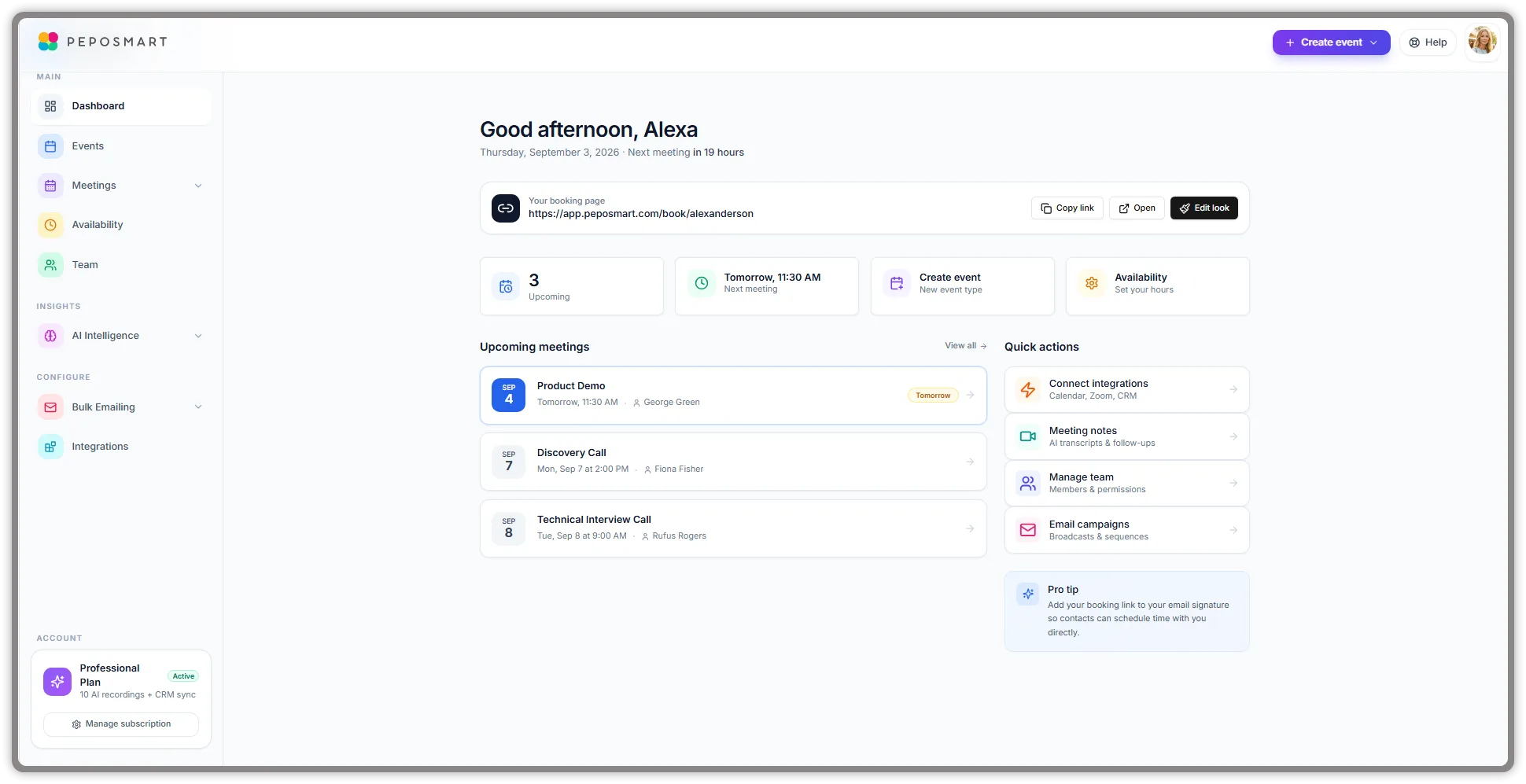
PepoSmart provides scheduling capabilities that handle most use cases—booking pages, calendar integration, team scheduling, the features you expect. But scheduling is our starting point, not our destination.
Our core innovation is Meeting Intelligence: AI-powered capabilities that transform every meeting into actionable business data. This is functionality that exists in neither Microsoft Bookings nor Calendly at any price point.
AI Meeting Bot and Automatic Capture
When meetings happen through PepoSmart, our AI bot joins automatically. It captures complete transcripts with speaker identification and timestamps. You can focus entirely on the conversation, knowing everything is being recorded accurately.
No more dividing attention between engaging and note-taking. No more relying on memory for what was said. Every meeting becomes a permanent, searchable record.
Intelligent Meeting Analysis
Raw transcripts are just the beginning. PepoSmart's AI analyzes every conversation to extract actionable intelligence.
Sentiment analysis reveals the emotional tone of meetings. Was the conversation positive and productive? Tense and concerning? Neutral and transactional? Understanding how meetings feel—not just what was said—provides crucial relationship insight.
Buyer intent detection identifies signals in sales conversations. Questions about implementation timelines, budget discussions, stakeholder mentions, competitive inquiries—these patterns indicate genuine buying interest versus polite exploration.
Topic extraction categorizes what was discussed across all your meetings. Search for every conversation where pricing came up, or integration requirements were discussed, or a specific competitor was mentioned.
Action item identification captures commitments automatically. When someone promises to send a proposal or agrees to schedule a follow-up, it's logged with an owner. Nothing slips through the cracks.
Smart Follow-Up Generation
The follow-up email is where meeting value often dies. You know you should send one promptly, but crafting it takes time. Days pass, momentum fades, opportunities cool.
PepoSmart generates contextual follow-up drafts immediately after each meeting. These aren't generic templates—they're intelligent drafts that reference the actual conversation. Discussion points, commitments made, next steps discussed—all reflected in the draft.
Review, customize any placeholders, and send. What typically takes twenty minutes now takes two.
Cross-Meeting Relationship Intelligence
PepoSmart's most powerful capability: connecting insights across all your meetings with each contact.
Every conversation updates their relationship profile. Topics discussed are aggregated. Sentiment is tracked over time. Engagement levels are measured. Key interests mentioned in any meeting are noted.
The Meeting Intelligence Dashboard visualizes this data across your entire meeting portfolio. See your most active relationships, understand what topics dominate each relationship, track how sentiment has evolved, and identify relationships that might need attention.
Before any meeting, review complete context from all previous interactions. Walk in prepared with full history, not scrambling to remember what you discussed last time.
Natural Language Meeting Search
Ask questions about your meeting history in plain English and get precise, sourced answers.
"What did the Acme team say about their implementation timeline?" "Which prospects raised security concerns this quarter?" "Show me all action items from enterprise account meetings." "What topics come up most with the product team?"
Our RAG-powered chat searches across all your transcripts and delivers accurate answers with citations. It's like having perfect memory of every business conversation you've ever had.
Three-Way Comparison: The Complete Picture
| Feature | Microsoft Bookings | Calendly | PepoSmart | Winner |
|---|---|---|---|---|
| Included with M365 | ✓ Yes | ✗ No | ✗ No | Microsoft Bookings |
| Booking Customization | ✗ Basic | ✓ Extensive | ✓ Good | Calendly |
| Team Scheduling | ✓ Basic | ✓ Advanced | ✓ Yes | Calendly |
| Round-Robin | ✗ No | ✓ Yes | ✓ Yes | Tie |
| Teams Integration | ✓ Native | ✓ Yes | ✓ Yes | Microsoft Bookings |
| AI Meeting Bot | ✗ No | ✗ No | ✓ Yes | PepoSmart |
| Auto Transcription | ✗ No | ✗ No | ✓ Yes | PepoSmart |
| Sentiment Analysis | ✗ No | ✗ No | ✓ Yes | PepoSmart |
| Intent Detection | ✗ No | ✗ No | ✓ Yes | PepoSmart |
| Smart Follow-Ups | ✗ No | ✗ No | ✓ Yes | PepoSmart |
| Action Tracking | ✗ No | ✗ No | ✓ Yes | PepoSmart |
| Relationship Intelligence | ✗ No | ✗ No | ✓ Yes | PepoSmart |
| Meeting Search | ✗ No | ✗ No | ✓ Yes | PepoSmart |
| Post-Meeting Value | ✗ None | ✗ None | ✓ Full | PepoSmart |
Real-World Scenarios
Scenario 1: The Small Professional Services Firm
A 20-person accounting firm uses Microsoft 365 for email, documents, and collaboration. They need clients to book consultation appointments.
Microsoft Bookings likely works fine here. The scheduling needs are straightforward, the Microsoft integration is valuable, and paying for additional tools isn't necessary.
Scenario 2: The Enterprise Sales Team
A 50-person sales organization needs to schedule demos and discovery calls with prospects. They use Salesforce as their CRM and need sophisticated routing based on territory and product interest.
Calendly adds clear value with its Salesforce integration, round-robin scheduling, and workflow automation. The efficiency gains justify the subscription cost.
But they're still losing value after calls end. Notes are typed manually. Follow-ups get delayed. Relationship context lives in reps' heads, not systems.
PepoSmart would deliver scheduling plus meeting intelligence—automatic capture of every sales conversation, AI analysis of buyer intent and sentiment, instant follow-up drafts, and relationship intelligence that helps every rep prepare for every call.
Scenario 3: The Customer Success Department
A customer success team manages renewals and expansion across 200 enterprise accounts. Each CSM meets regularly with their accounts, and relationship continuity is critical for retention.
Neither Microsoft Bookings nor Calendly helps with the core challenge: maintaining relationship intelligence across dozens of accounts with hundreds of conversations.
PepoSmart's cross-meeting intelligence transforms this scenario. Every customer interaction is captured and connected. Sentiment trends reveal at-risk accounts. Topic patterns show what customers care about. CSMs walk into every call with complete context from all previous meetings.
Scenario 4: The Executive Team
Senior leaders have packed schedules and little time for administrative work. Every meeting needs to generate results, and follow-through is essential.
PepoSmart captures executive meetings automatically, extracts action items with owners, generates follow-up communications, and provides searchable history when context is needed. The time savings and insight quality are substantial for busy leaders.
Pricing Analysis
Microsoft Bookings is included with Microsoft 365 Business Basic ($6/user/month), Business Standard ($12.50/user/month), and various Enterprise plans. For organizations already paying for these tiers, Bookings adds no incremental cost.
Calendly charges $12 per user per month for Standard and $20 per user per month for Teams. A 30-person team pays $600 monthly for Teams features.
PepoSmart is billed per user at $6 to $9.50 per user per month (Starter to Professional), with no seat minimums and a 12-month free trial—including full Meeting Intelligence that neither Microsoft nor Calendly provides at any price.
For teams that need more than basic scheduling, PepoSmart's value proposition is compelling: a per-user cost comparable to Calendly's, but with an entirely additional category of functionality—AI Meeting Intelligence—included at every seat.
Making the Right Choice
Stay with Microsoft Bookings If
Your scheduling needs are straightforward appointment booking. You're deeply embedded in Microsoft 365 and value native integration. Budget constraints make additional tools hard to justify. You don't need advanced scheduling features like round-robin or sophisticated routing. Meeting intelligence isn't a priority.
Choose Calendly If
Scheduling is high-volume and central to your operations. You need advanced team scheduling features. Integration with Salesforce, HubSpot, or other tools is important. Professional booking pages matter for your brand. You're willing to accept that meeting value extraction remains manual.
Choose PepoSmart If
You want scheduling plus complete meeting intelligence in one platform. You're tired of losing insights to forgotten notes and delayed follow-ups. Relationship continuity across meetings matters for your business. You want AI that delivers measurable business value. You want team capabilities at a per-user cost comparable to Calendly's, with AI meeting intelligence included.
Conclusion: Reframing the Question
The Microsoft Bookings vs Calendly debate focuses on scheduling features and cost. Which tool books meetings better? Is Calendly worth paying for when Bookings is included? For more insights, see our Calendly pricing breakdown and Calendly vs PepoSmart comparison.
These are reasonable questions, but they miss the larger opportunity.
Scheduling is solved. Both Microsoft and Calendly handle it adequately. The real question is: what happens after the meeting is scheduled?
Both Microsoft Bookings and Calendly stop at the calendar event. Neither captures meeting content. Neither analyzes conversations. Neither generates intelligent follow-ups. Neither builds relationship intelligence over time.
PepoSmart starts where scheduling tools stop. We provide the booking capabilities you need, then continue through the entire meeting lifecycle with AI-powered capture, analysis, and automation. Learn more in our Meeting Intelligence guide.
For organizations that recognize meetings as strategic business moments—where deals progress, relationships deepen, and decisions crystallize—the scheduling tool comparison is too narrow. The right comparison is between tools that only schedule and platforms that maximize meeting value.
PepoSmart delivers Meeting Intelligence that neither Microsoft Bookings nor Calendly can match. Start your free trial and experience what your meetings could really deliver. View our pricing for details.